TobiiEyeX Demo

TobiiEyeX Unity3D Demo Package

The TobiiEyeX Demo package is a package to be used in Unity3D. This demo allows you to fully integrate your TobiiEyeX with unity3D as long as you use the Reh@panel protocol to send its information. There is already a tool (Reh@panel) that sends the leapmotion information using this protocol.
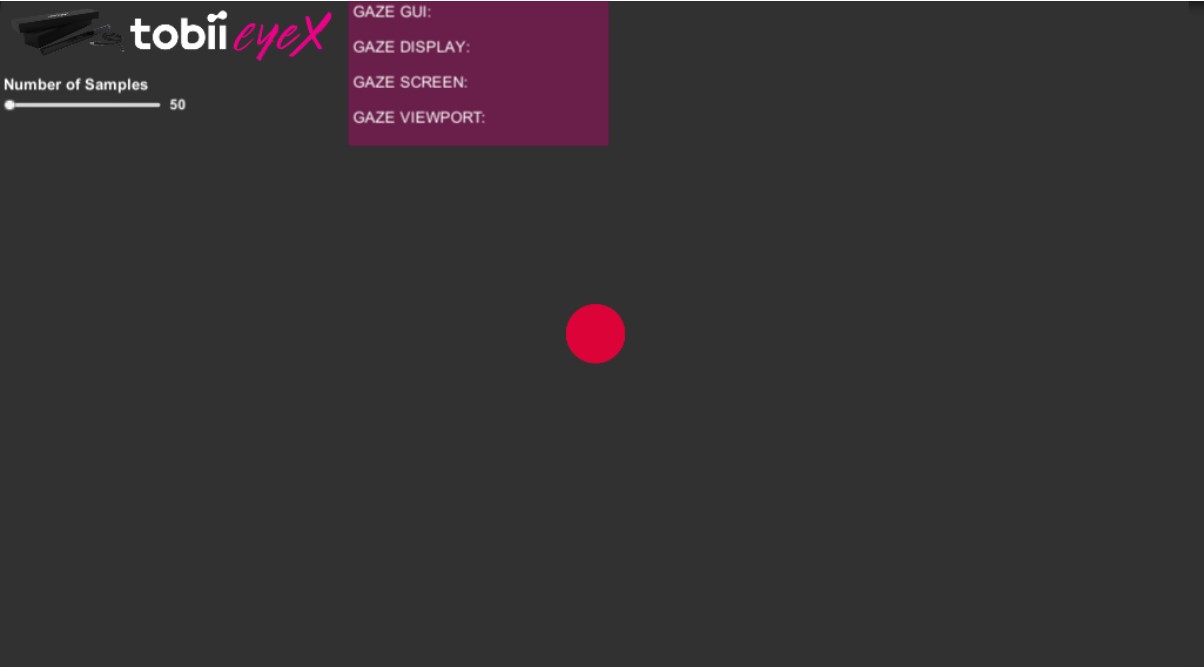
Requirements to use the package

  1. Make sure you have the TobiiEyeX SDK installed
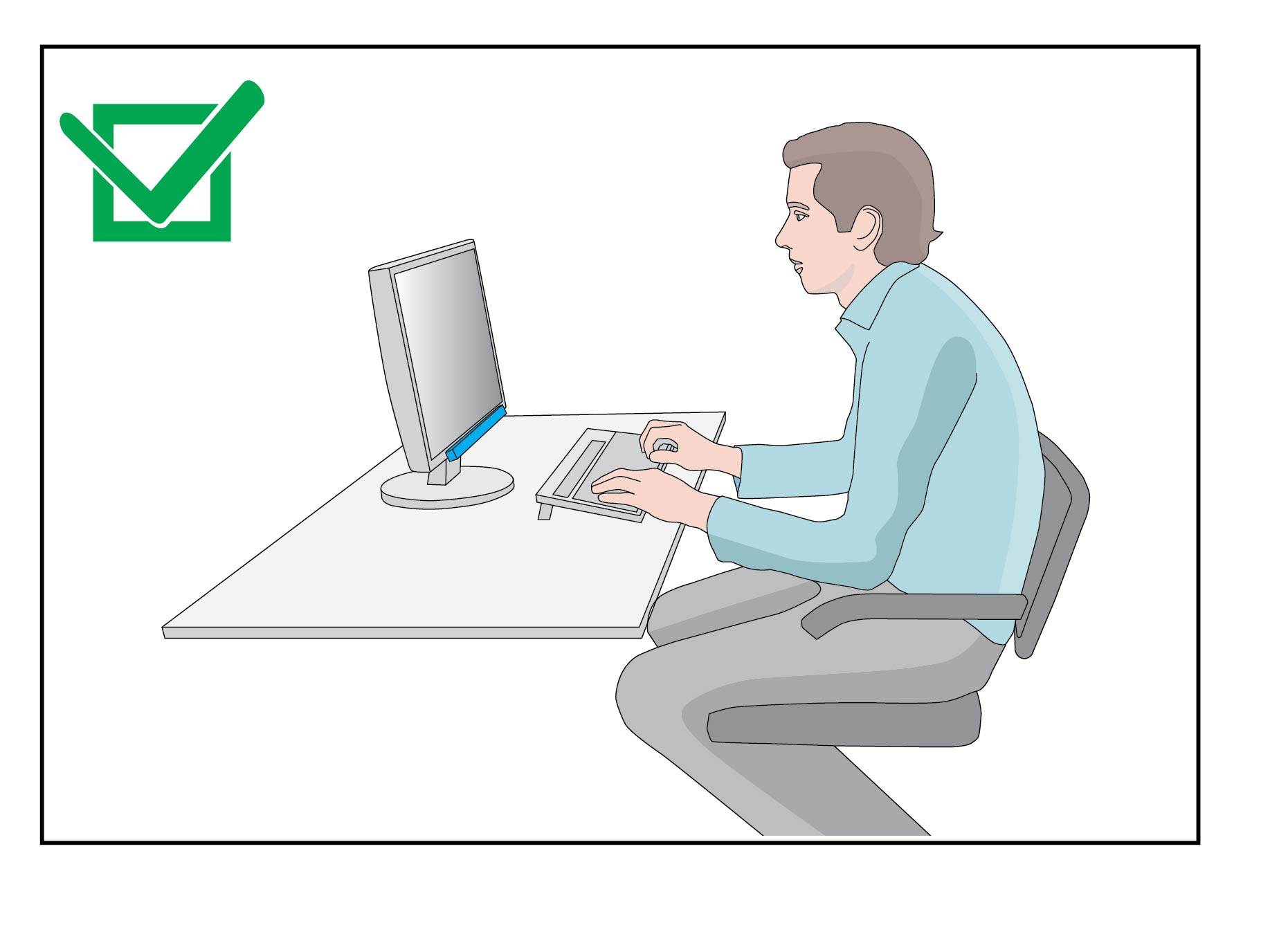
  2. Plug in your TobiiEyeX to the PC and position it according to the image below
  1. Make sure that it is sending information by UDP to port 1202 (To change this port see below).
    1. You can use the Reh@panel to do this – Download Link here

Testing the scene

  1. Open the Scene
    1. Neurehab -> Demo TobiiEyeX-> Scenes -> TobiiEyeXDemo
  2. Make sure you fulfill all the requirements
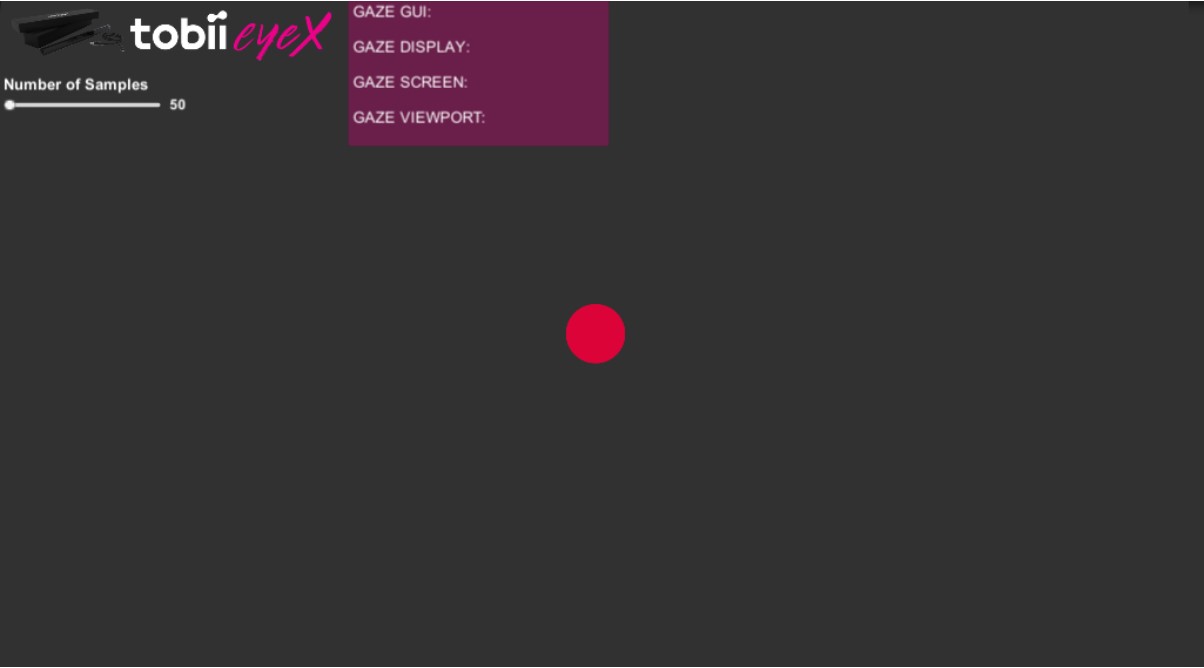
  3. Press Play

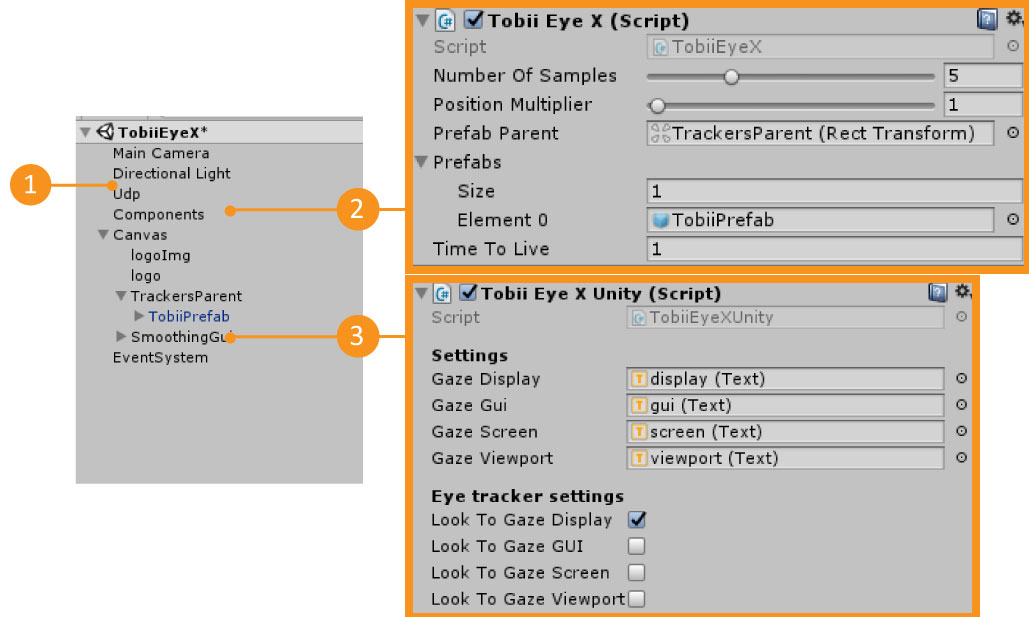
1 – UDPGameobject that has the UDP connection Information. You can change the UDP port here
2 – ComponentsGameobject that has the TobiiEyeX.cs script
3 – TobiiEyeX PrefabPrefab that has the TobiiEyeXUnity.cs script.
This prefab will only appear in the scene when you have pressed Play


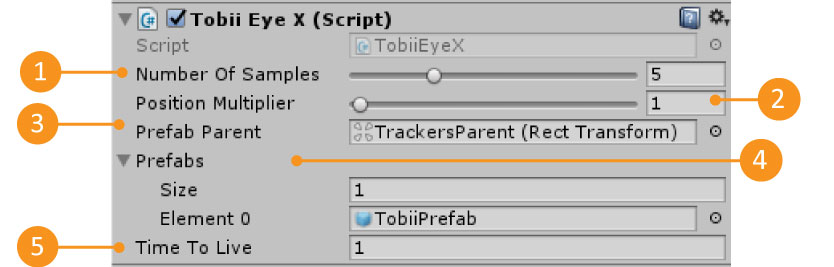
1 – Number Of SamplesThe number of data samples to save for each data input. In the end returns the average of that data input.
2 – Position MultiplierMultiplies the position that is receiving for this value.
This is useful when you have a game world scale that differs from the real world.
3 – Prefab parentThe Gameobject parent where the device prefabs are going to be instantiated.
Each instantiated prefab represents a TobiiEyeX that is sending data by UDP.
4 – PrefabsThe list of prefabs that can be instantiated.
5 – Time to LiveThe maximum time in seconds that a prefab can wait for new data before it is destroyed.


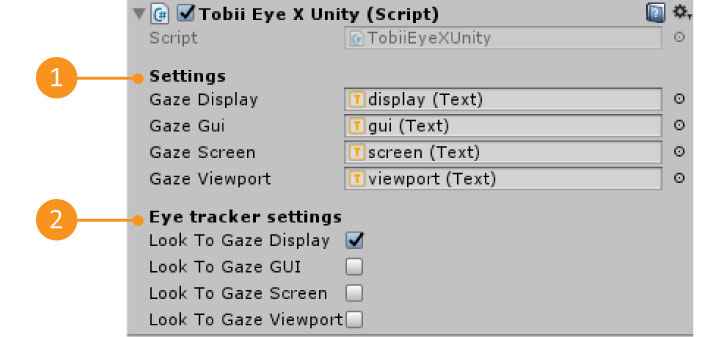
1 – Available Data
All the data that we are receiving from a TobiiEyeX.
2 – Tracker Settings
Which TobiiEyeX data value will the demo tracker use as its position.

The data is accessed through the TobiiEyeXUnity.cs script. If you open this script, in the UpdateGuiValues function you will notice that the TobiiEyeX prefab values are updated there

private void UpdateGuiValues()
{
var gazedisplay = GenericDeviceData.GetPosition(Neurorehab.Scripts.Enums.TobiiEyeX.gazedisplay.ToString());
GazeDisplay.text = "GAZEDISPLAY - X: " + gazedisplay.x + "; Y: " + gazedisplay.y;
...
}

To be able to access any data that the TobiiEyeX is sending, you will need to know two things: the label of the information you want to access and the type of that information. Then, using the TobiiEyeXUnity.cs script, you can find all this information by accessing the GenericDeviceData Dictionaries as shown below:

 
GenericDeviceData.Get[INFORMATION_TYPE](“[INFORMATION_LABEL]”);

For example, to access the TobiiEyeX gazegui position value which is labeled as ‘gazegui’ and is of the type position, you can:

GenericDeviceData.GetPosition(“gazegui”)

Current TobiiEyeX protocol values

Information Label
[INFORMATION_LABEL]
Information Type
[INFORMATION_TYPE]
gazedisplayposition
gazeguiposition
gazescreenposition
gazeviewportposition

Media